Access your local USB devices while working in remote Windows session.
Moreover, this functionality can be easily integrated into your software.
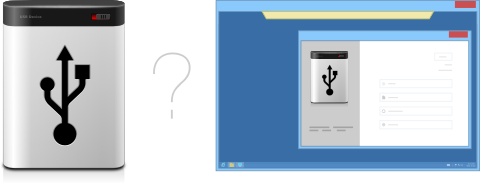
Sometimes, while working in remote desktop, you need access to your local devices. You can easily redirect disk drive or a printer into remote Windows session. But why can't you redirect all the rest of your USB devices just as easily?
Unfortunately there is no standard way to make local USB devices available in remote Windows session. The only standard solution is plugging USB device directly to the remote server. But in the most of cases that is not acceptable.
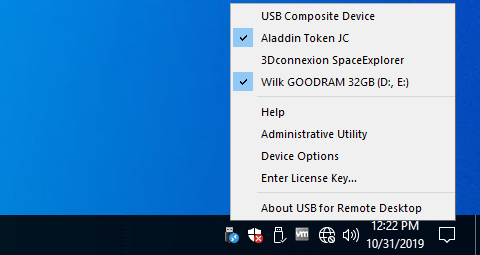
FabulaTech has resolved this problem in other extraordinary way. We've created USB for Remote Desktop that allows to work with your local USB devices from remote Windows session.
You can find some extra features in similar product: USB over Network.
The program consists of a Server and a Workstation. You should install the Workstation on the computer to which the USB device is physically connected. Server side should be installed on the remote server from which you need to access your devices.
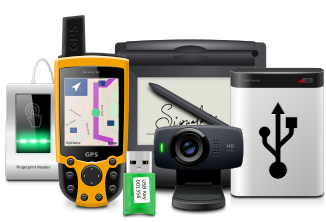
USB for Remote Desktop is easy to install and use. It supports a wide range of USB devices. The program does not require any special knowledge and installs easily right out of the box.
USB for Remote Desktop functionality can be easily integrated into your application. So you can share USB devices or connect them up from your application directly.
FabulaTech's solution is ideal for:
| General |
|---|
| Allows to work with remote USB devices as with local ones |
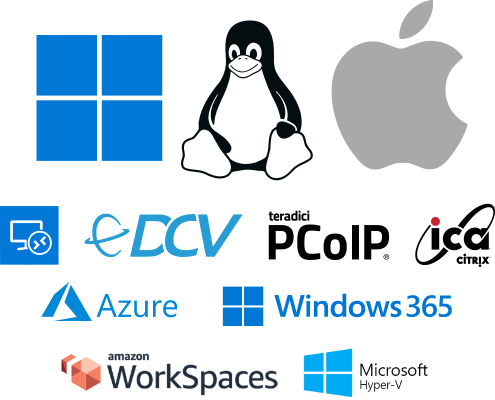
| RDP protocol support |
| Unlimited USB devices can be redirected from workstation |
| Unlimited USB devices can be connected to server |
| Wide variety of USB devices is supported |
| Auto-redirection of USB devices |
| Auto-redirection exclude list |
| USB devices safe removal is supported |
| Compatibility |
| Developed for Microsoft Windows Vista/XP/2000/2003 Server |
| USB v1.1 and USB v2.0 compatible |
| Hardware Universal Serial Bus controllers compatible |
| Hyper-Threading Technology compatible |
| Multiprocessor platforms compatible |
| True Plug-and-Play |
| User Interface |
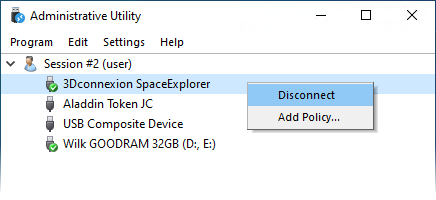
| User-friendly program interface |
| Hot USB devices sharing/unsharing (without computer reboot) |
| Developer API |
| USB devices sharing or connection from your application directly using dynamic link library (OEM license) |